What This Section Covers
- Creating a Canva account and getting ready to start.
- Choosing whether to begin with a template, a blank design, or a custom size.
- Becoming familiar with the Canva workspace and basic tools.
Beginner guide
This preview page introduces the opening lessons of the Canva Crash Course for Beginners for people who want a calm, simple place to begin.
The first section of the course focuses on getting set up, choosing how to begin a design, and learning where key tools live inside the Canva workspace. It is written for beginners who want orientation before they start experimenting on their own.
This guide is a preview of lessons 1-3, not a full step-by-step replacement for the course.
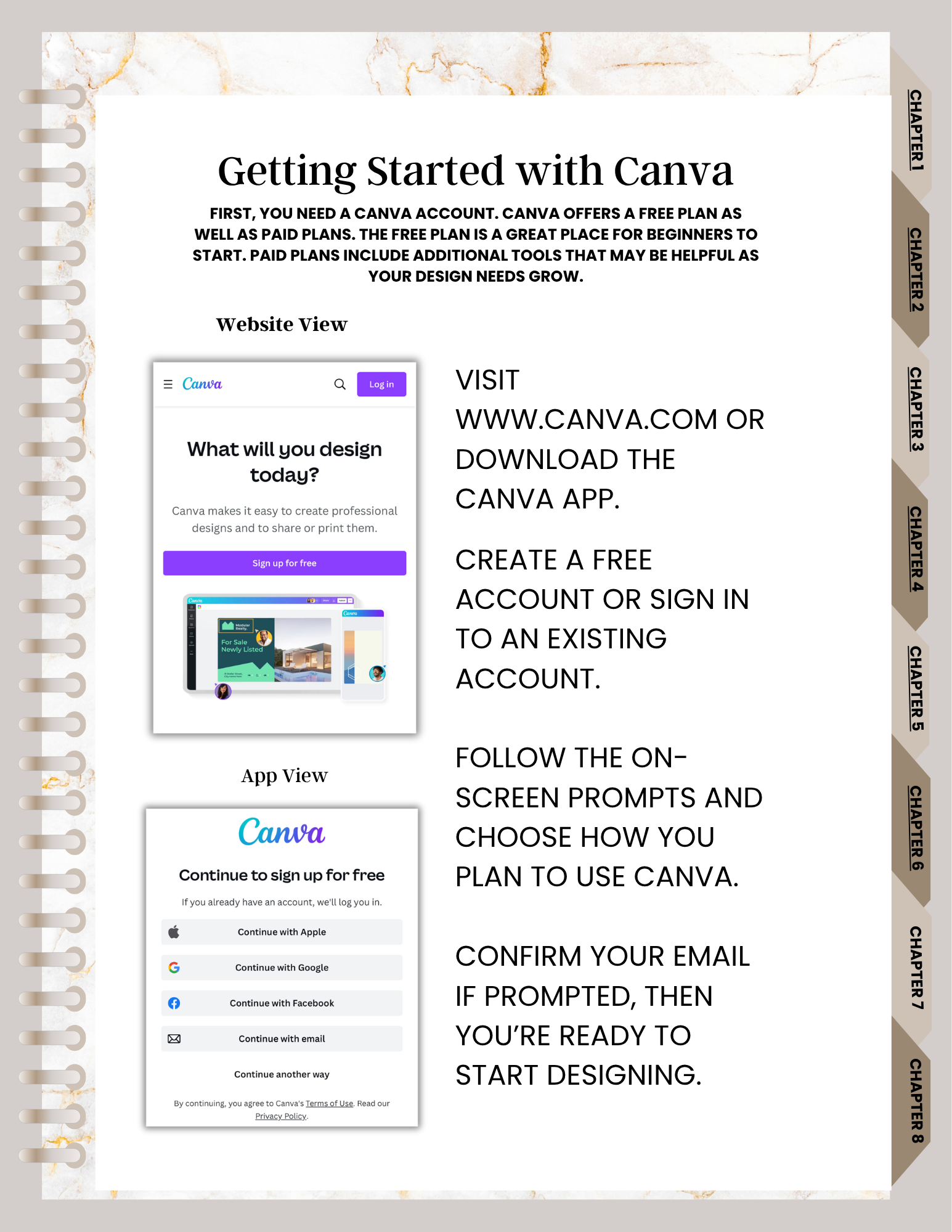
The course introduces the early steps beginners need before moving into photo tools, text tools, and project sharing.
This part of the course is aimed at complete beginners, including people who have heard of Canva but do not yet feel comfortable opening a project and knowing where to click first.
Back to Canva Crash CourseSimple preview
Beginners often need a clear starting point more than advanced tricks. These lessons focus on orientation so the rest of the course feels easier to follow.
The course explains the difference between beginning with a ready-made template, opening a blank design, or setting a custom size for a specific project.
You are introduced to Canva’s workspace and basic tools so the editor feels more familiar before moving into later lessons.
Keep exploring